 Morning · Live since 2023
dypt. Get the day straight.
dypt is my task manager. Give it the big, vague thing on your mind and it breaks it into steps small enough to start on, then keeps the deadlines, notes and people around each one in a single place.
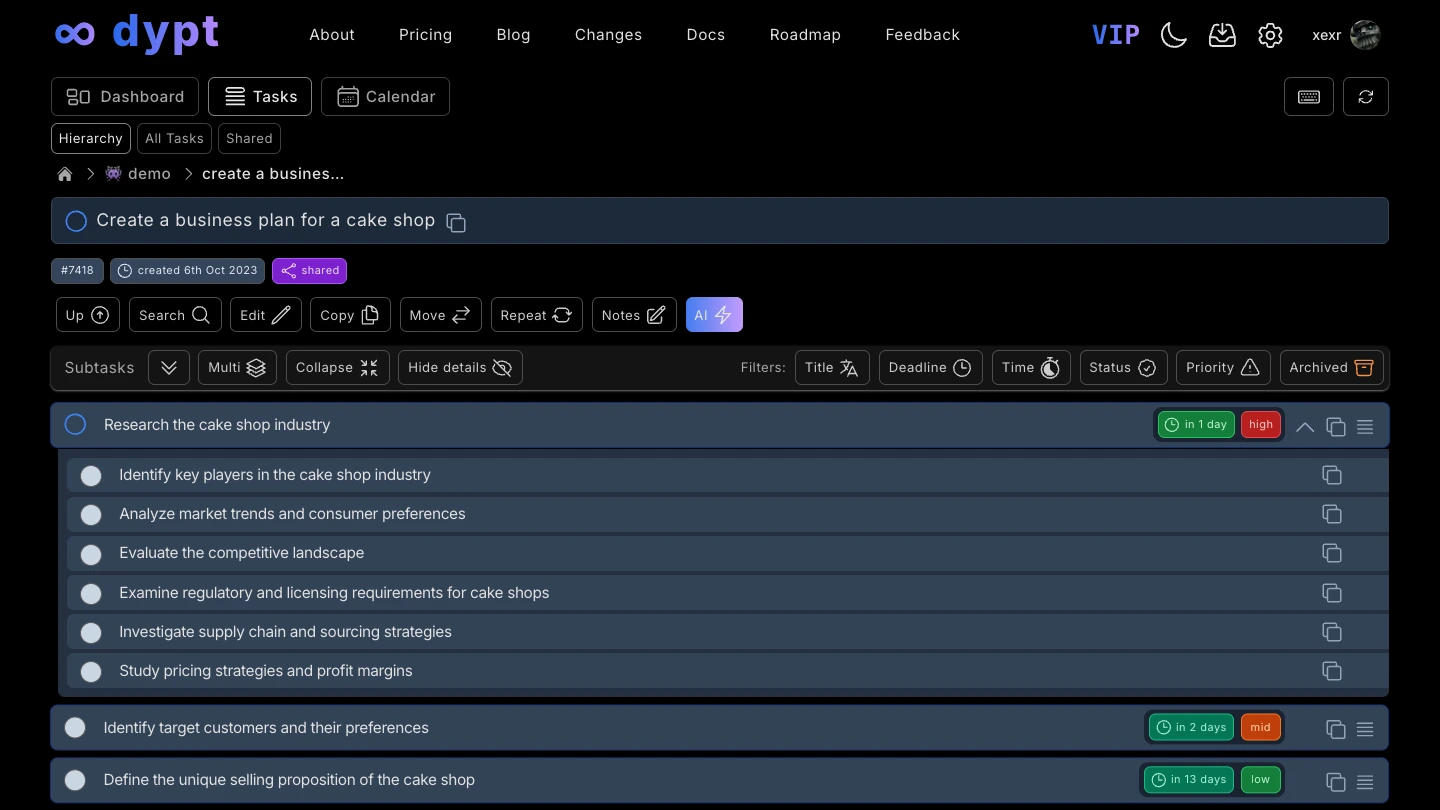
One big task, broken into steps
Type in the thing you have been putting off and ask the AI to break it down. Each step gets its own deadline and priority, and steps can nest as deep as the job needs.
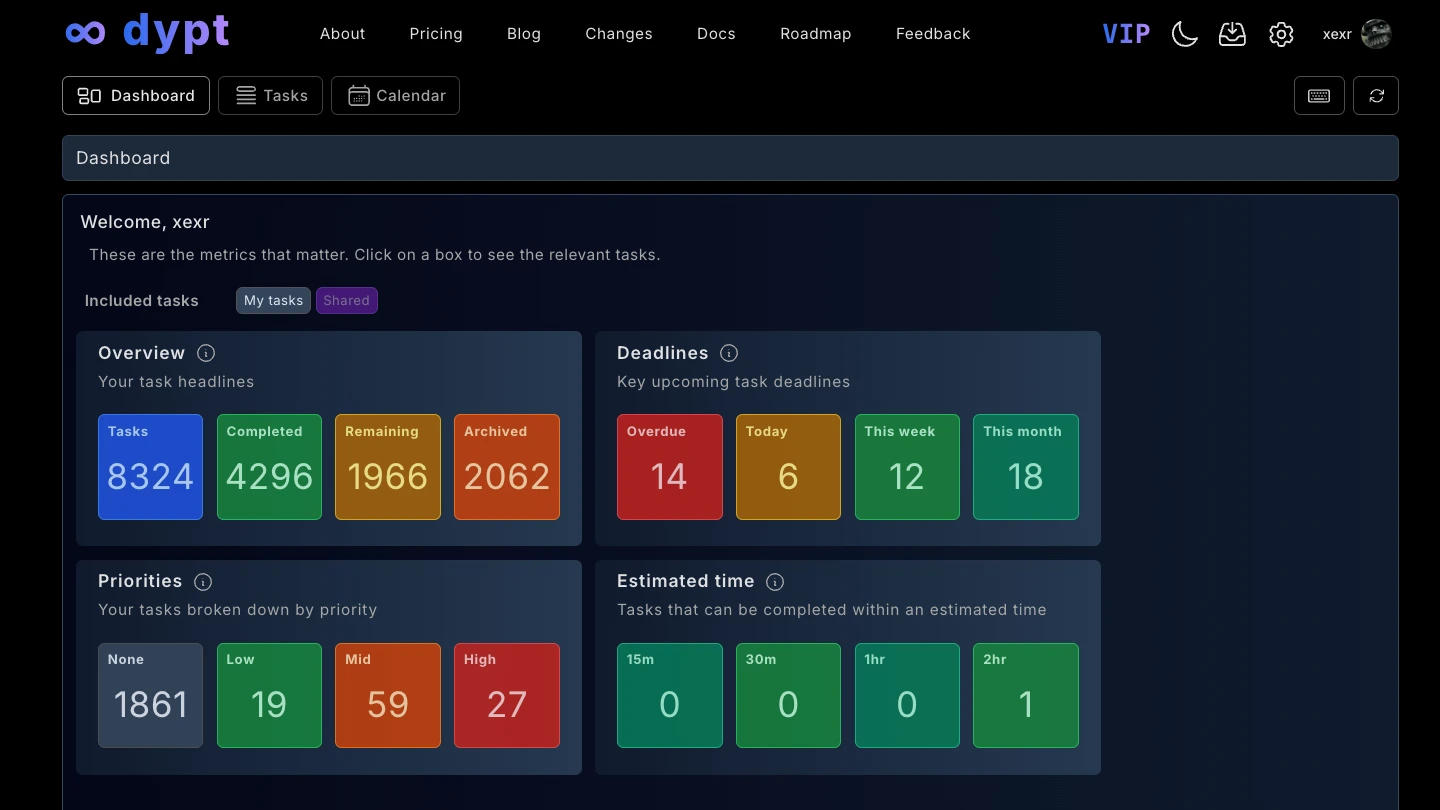
A dashboard of what matters
Overdue, due today, due this week: the numbers that tell you where to start. You can have the same summary emailed to you daily or weekly.
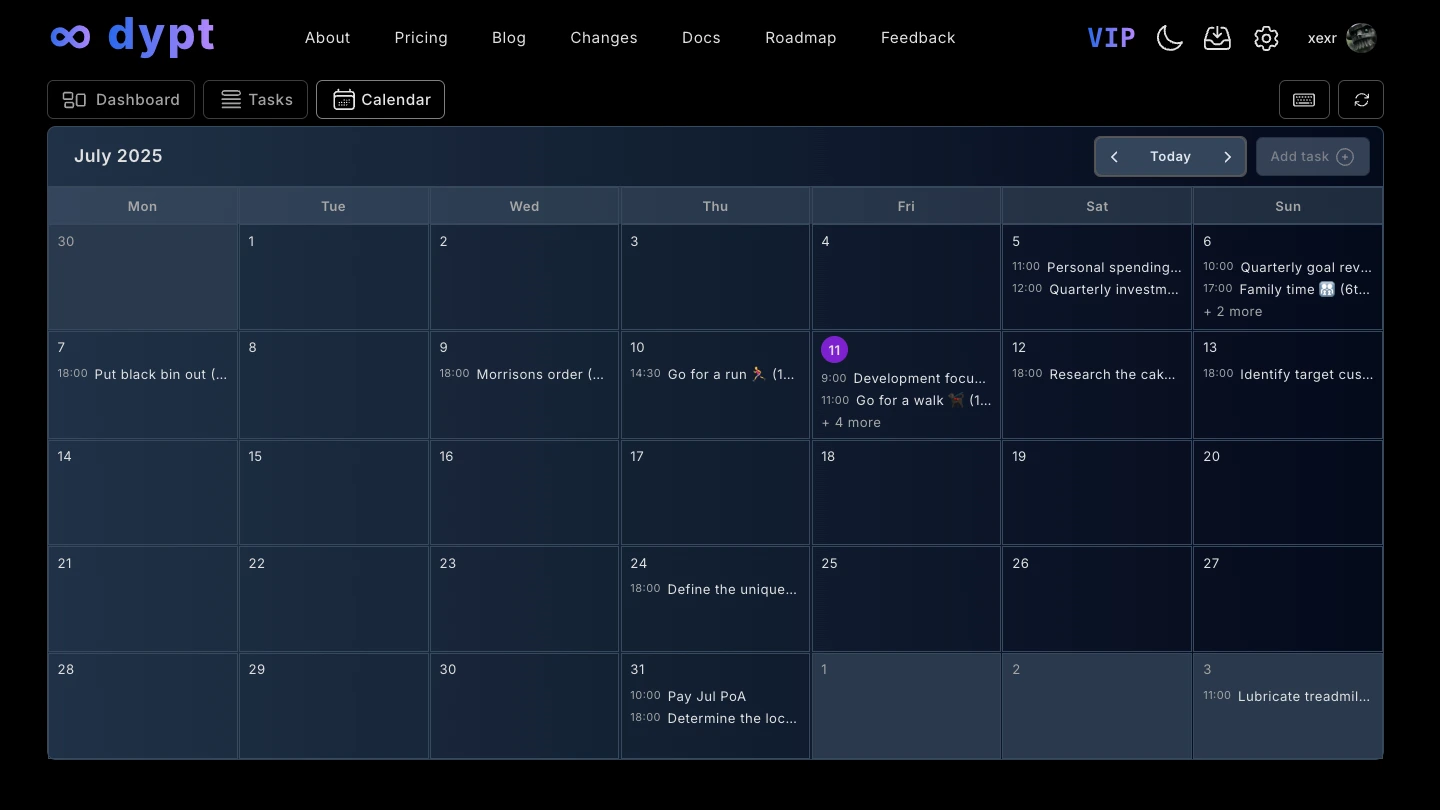
Your month on one page
Every task with a deadline lands on the calendar, so a busy week shows up before it arrives.
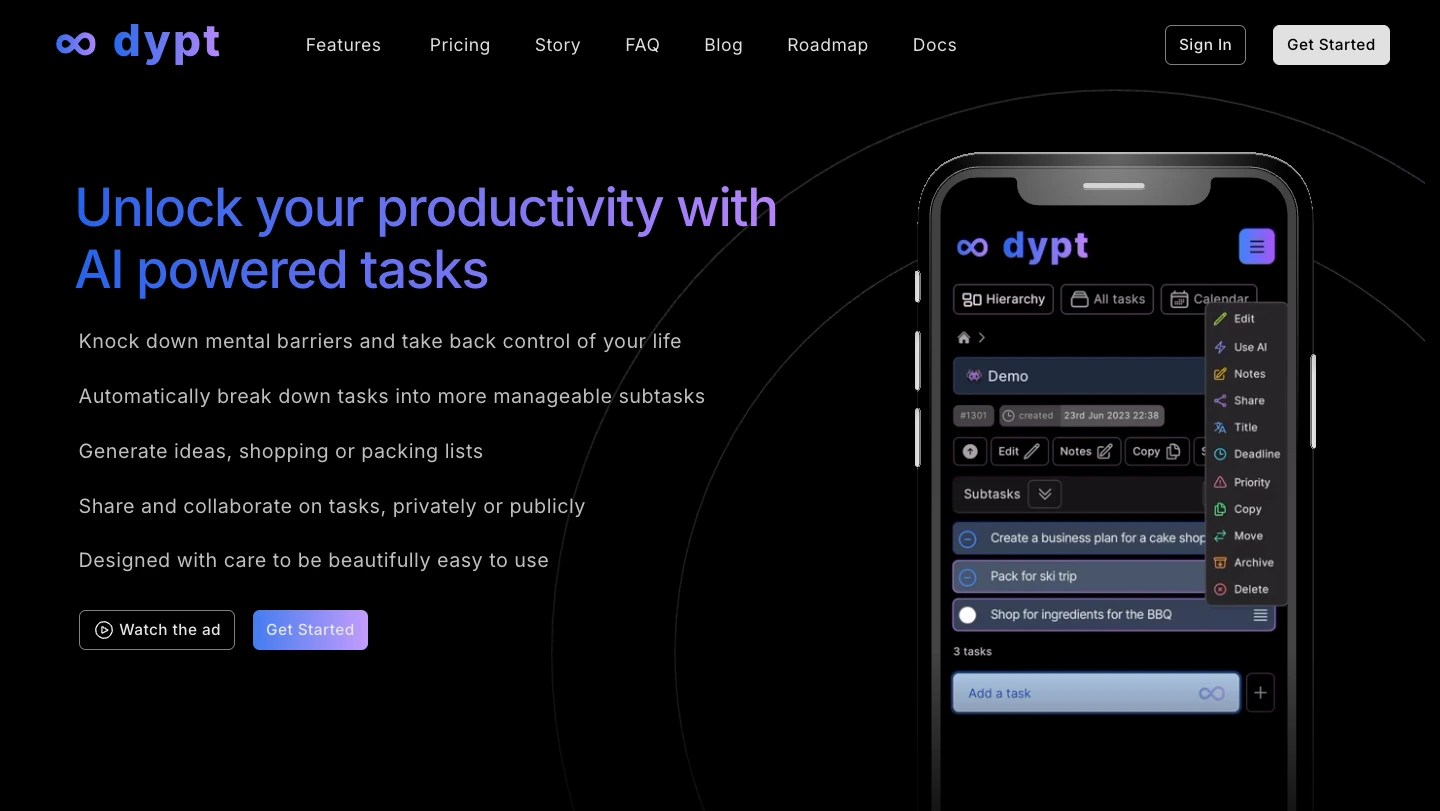
On your phone, too
dypt runs in the browser on your phone, tablet and computer, and keeps them in sync.
How it works
Add the big task
Type it in and let the AI suggest a breakdown, with time estimates.
Organise and plan
Use nesting, deadlines, priorities and notes to shape it into a plan.
Track and share
Tick things off as you go, and share tasks with anyone who is helping.
What’s in it
AI breakdowns
Ask the AI to split a big task into subtasks, with a time estimate for each.
As deep as you need
Nest tasks inside tasks with no limit, for a simple list or a whole project.
Deadlines and reminders
Set a deadline, get a reminder, and track the time a task takes.
Sharing
Share a task privately with the people working on it, or publish it for anyone to copy.
Every device
It works on your phone, tablet and computer, and syncs between them as you go.
Recurring tasks
Set routine jobs to repeat, so they come back on their own.
Notes
Add notes to a task, as detailed as they need to be, and share them the same way.
Dashboard
See the tasks that matter most at a glance, or have the summary emailed to you daily or weekly.
Filter and sort
By name, status, priority, due date and more.
Who it’s for
dypt is for anyone who wants a hand staying organised.
- Neurodivergent people trying to escape brain fog
- Professionals balancing several responsibilities
- Business owners keeping all the balls in the air
- Freelancers juggling several projects
- Stay-at-home parents organising family life
- Students managing coursework and projects
Start with one big task.
Add the thing you have been putting off and watch it turn into steps.
 Try dyptLive since 2023 at dypt.app